Eternal Pro integrates directly with WealthCounsel
Eternal Pro is an authorized WealthCounsel partner.
To send an Eternal Pro intake link to an existing WealthCounsel contact:
- Login to your Eternal Dashboard as a Super Admin user
- Hover on Integrations in the left nav menu, then click WealthCounsel
- Click the Connect to WealthCounsel button
- Login to WealthCounsel and click Grant Access
- You will be returned to the Eternal Dashboard
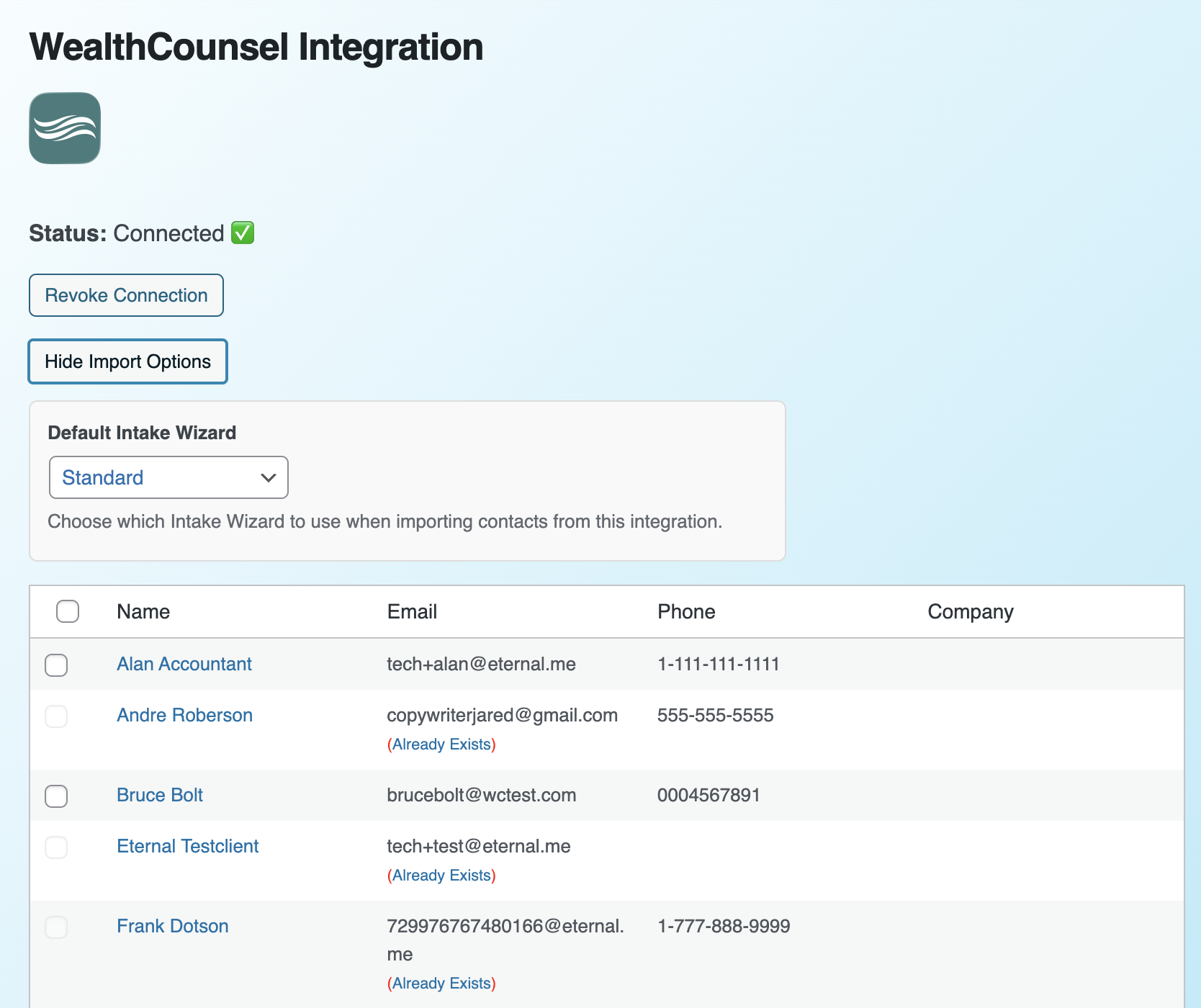
- The integration Status will now say Connected ✅
- Click the Show Import Options button
- Select the clients to import and click Import Selected Clients
- Confirm the import by clicking Yes, Import
- Selected clients will be automatically created and invited by email
 How to import clients from MyCase using a webhook ?
 How to enable automatic sync to Lawmatics?
 How to sync client intake data to Lawcus?


 united states
