Eternal Pro Integrates Directly With Clio
Eternal Pro is an authorized Clio integration partner, enabling you to:
- Import from Clio to send intake forms to existing clients
- Synchronize client data back to the selected Clio Matter
- The process can be fully automated, or manual
Exporting Client Data To Clio
First, ensure you've Connected to Clio:
- Login to your Eternal Dashboard as a Super Admin user
- Hover on Integrations in the left nav menu, then click Clio
- Click the Connect to Clio button
- Login to Clio and click Grant Access
- You will be returned to the Eternal Dashboard
- The integration Status will now say Connected ✅
Next, back in your Client Dashboard Home:
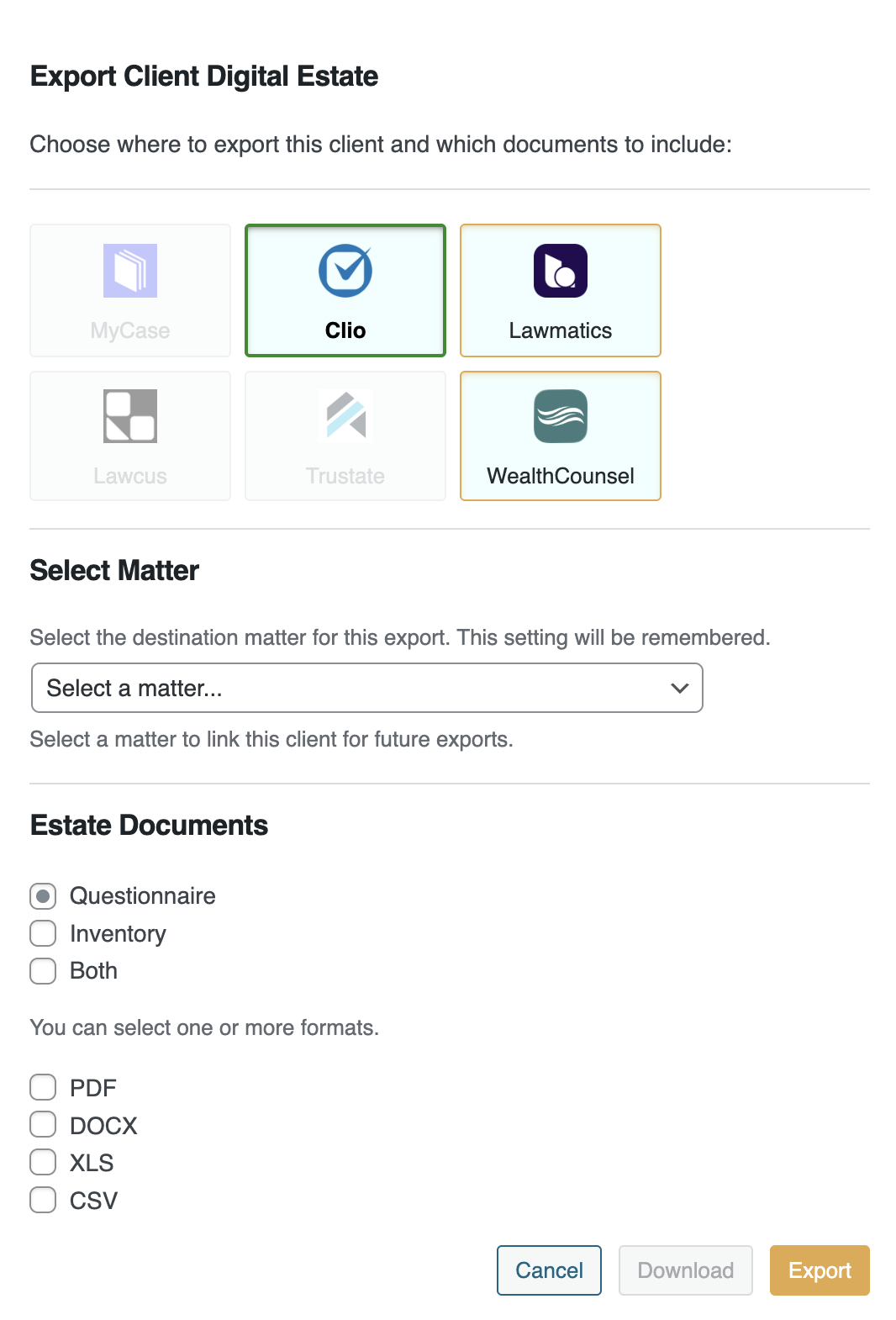
- Find the Client you want to export, and click the Export
 icon
icon - This will open the Export window. Click the Clio square.
- Select the Matter to link to (or create a new one)
- Select what documents to send (Questionnaire, Inventory, or Both)
- Select at least one file format for the documents
- Select whether to send the client's uploaded files
- Select whether to send Contacts and how to handle
- Click Export to sync the selected items to Clio
 How to import clients from MyCase using a webhook ?
 How to enable automatic sync to Lawmatics?
 How to sync client intake data to Lawcus?


 états-unis
